The letter tracing app for kidstap, trace, write.

LetterSchool teaches children aged 3 to 8 to write every letter and number the right way. They tap where each stroke starts, trace the path and then write it on their own, with instant feedback on every line.


Download on the App StoreGet it on Google PlayAdd to Chromebook
  • Capital and lowercase letters, numbers 1 to 10 and first shapes
  • Zaner-Bloser, Handwriting Without Tears and D’Nealian styles
  • Then words, sentences, phonics and sight words
  • No ads, no social media, strict privacy
  • Free to try on iPhone, iPad, Android and Chromebook
A child tracing the letter A on an iPad with LetterSchool

See it in the app

Watch the letter A come to life.

The same ZB style shapes as this sheet, as your child plays them in LetterSchool: three short games that teach where to start and which way to go.

  1. 1Tap the dots
  2. 2Trace the path
  3. 3Write it yourself
Download on the App StoreGet it on Google Play

The LetterSchool app

Every letter in three games:tap, trace, write.

Three games for every letter and number. Each one earns a star, and together they teach the right shape, start point and stroke order, with instant feedback on every line.

LetterSchool app, step 1: Tap the letter
1

Tap

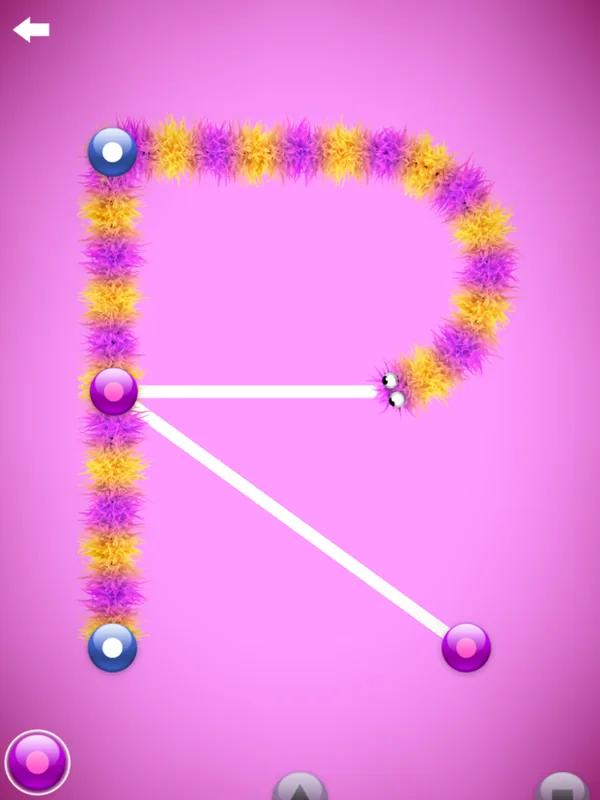
Tap the magic dots in the right order and watch the letter come to life. Your child learns where every stroke starts.
LetterSchool app, step 2: Trace the letter
2

Trace

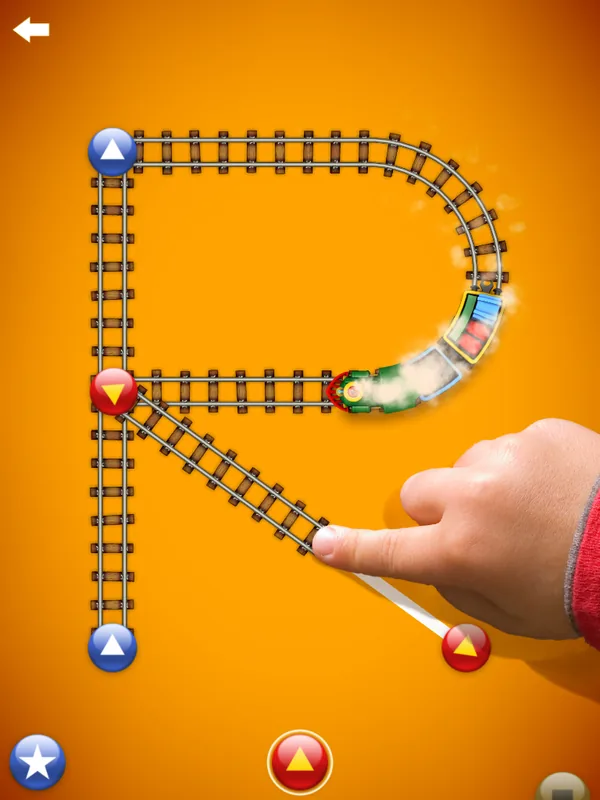
Trace the letter along its path, from start to finish. A train, flowers or candy canes show the way.
LetterSchool app, step 3: Write the letter
3

Write

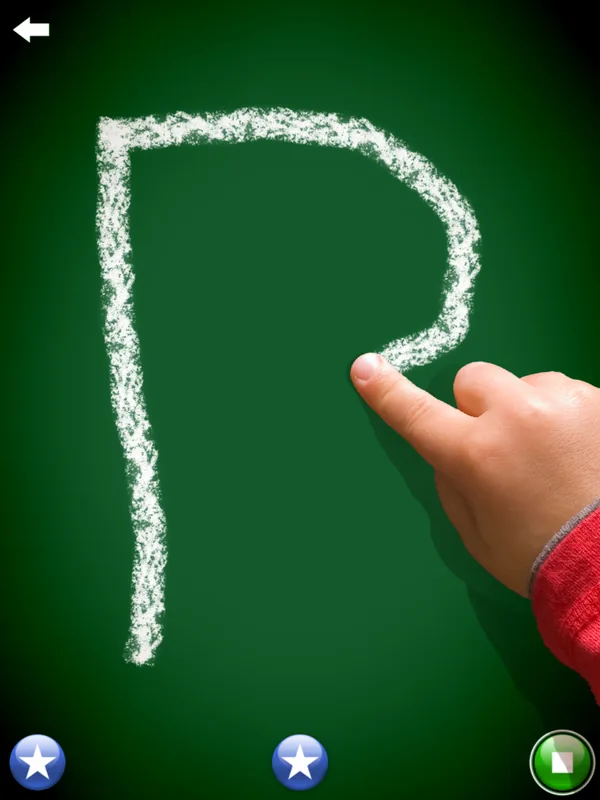
Write the letter on your own, without help. The app checks every line while it is drawn.

What your child practices

Why the stroke order matters

A letter that starts in the right place and goes the right way is faster to write, easier to join later and less likely to be reversed. The app shows the start dot and direction for every stroke, so children learn the movement, not just the shape. How and why it works.

Free tracing worksheets too

Practice the same letter shapes on paper with our free handwriting worksheets, a name tracing worksheet or your own words in the worksheet maker.

For teachers and therapists

Used in classrooms and by occupational therapists. Schools get licenses and support for whole classes: see LetterSchool for Schools.

Learning cursive?

For second and third grade there are cursive letters too: see the cursive app and the cursive alphabet.

Award-winning app, loved by parents, teachers and therapists
Tabby Awards 2014: Users’ ChoiceAbout.com Readers’ Choice Awards 2012: WinnerChildren’s Technology Review 2012: Editor’s Choice for Excellence in DesignBest Apps for Kids: Editor’s ChoiceAppySmarts: Editor’s Favorite AppSmart Apps for Kids: ratedBalefire Labs: Top RatedPappas Appar: 5 out of 5

Inside the app

Every letter is a new world,so kids want one more.

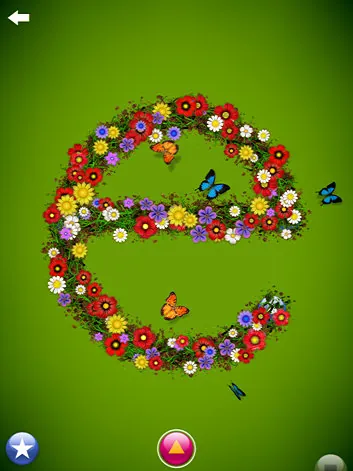
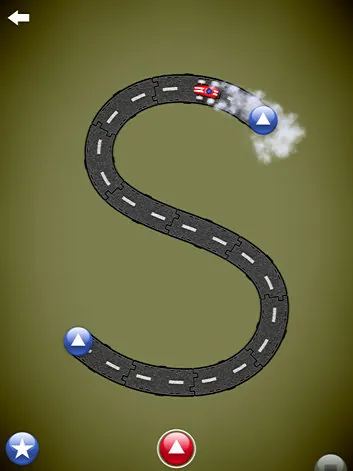
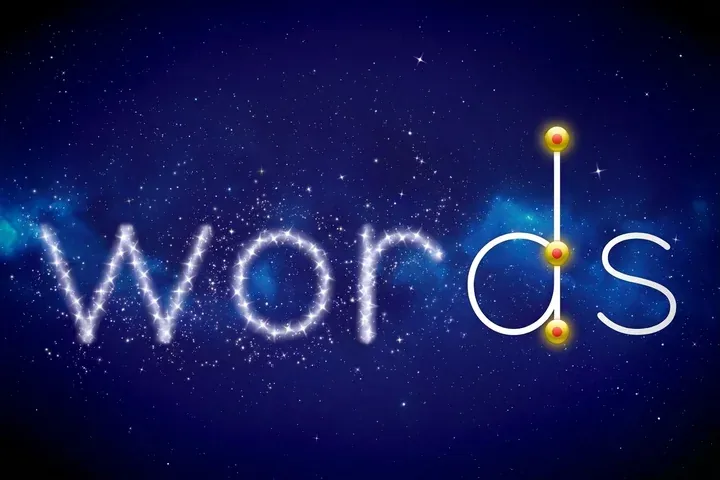
Candy canes, trains, flowers, fireworks: each letter and number has its own look and its own reward. Then the letters turn into words, with pictures and sounds.
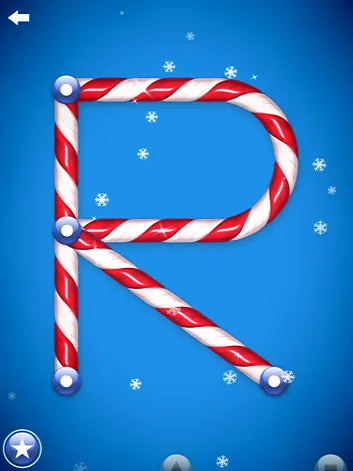
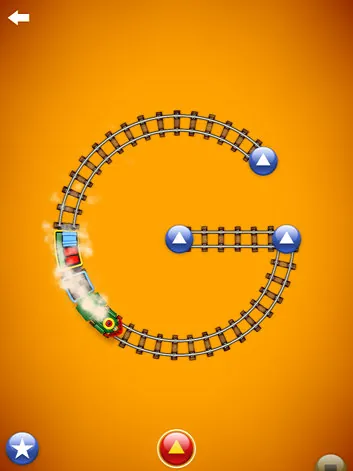
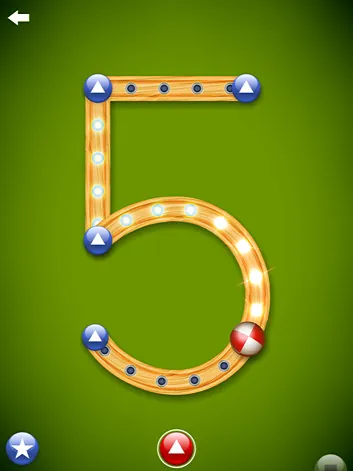
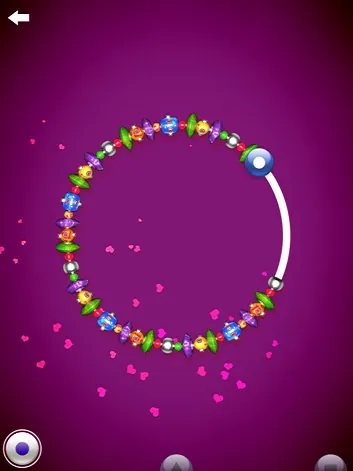
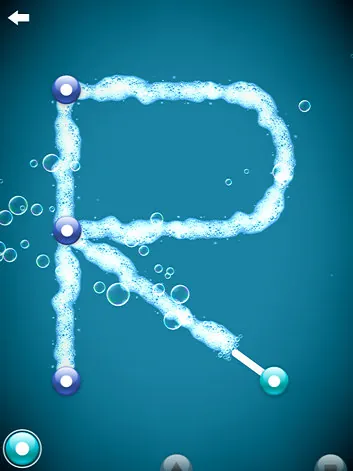
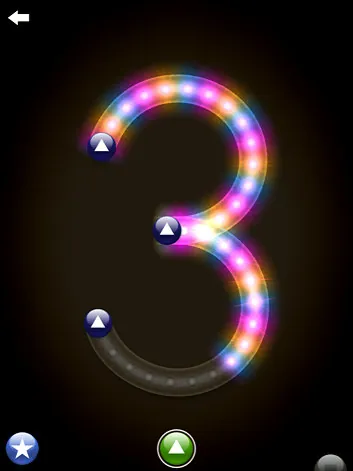
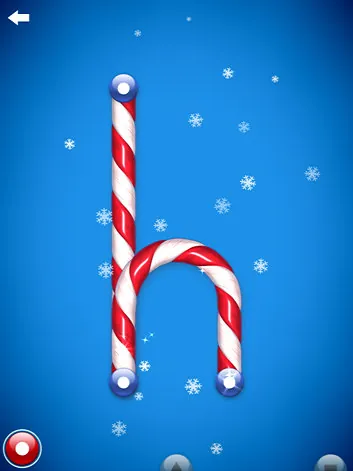
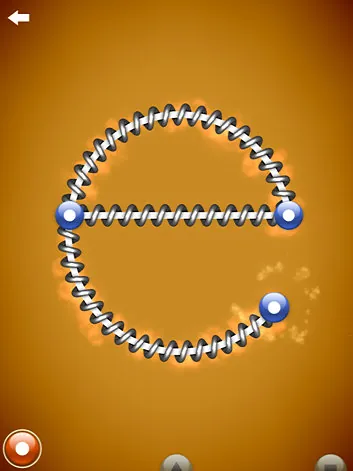
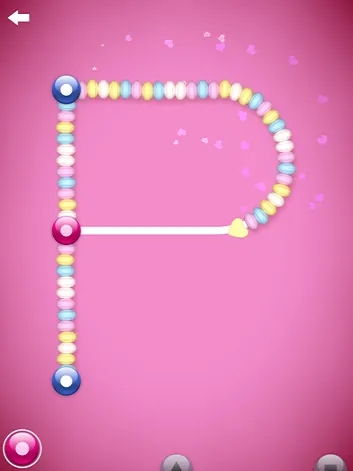
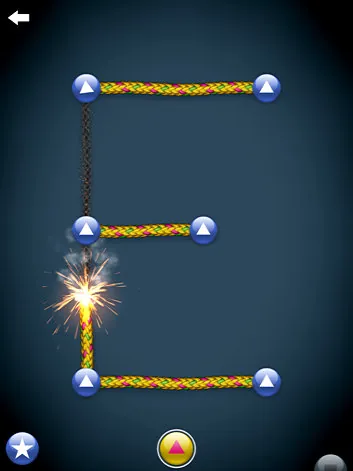
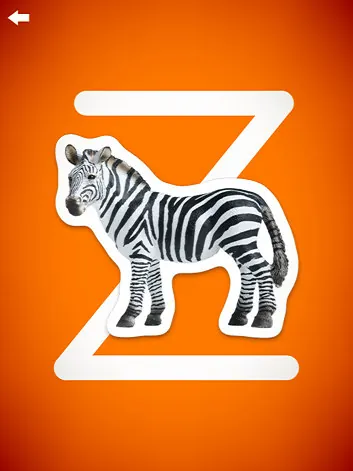
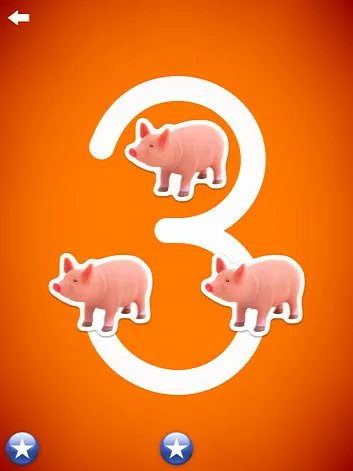
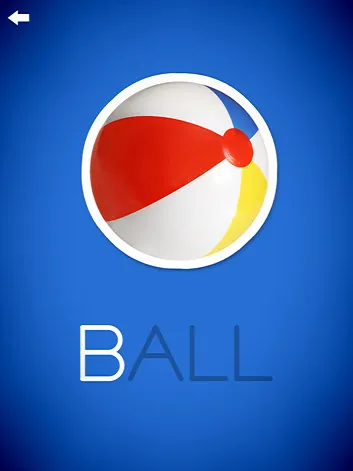
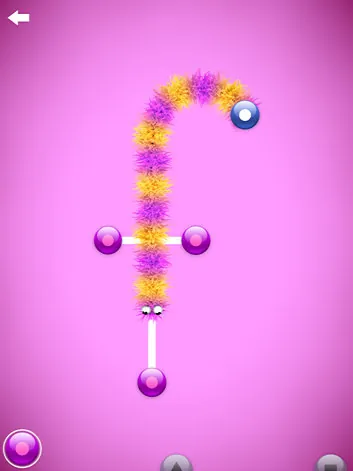
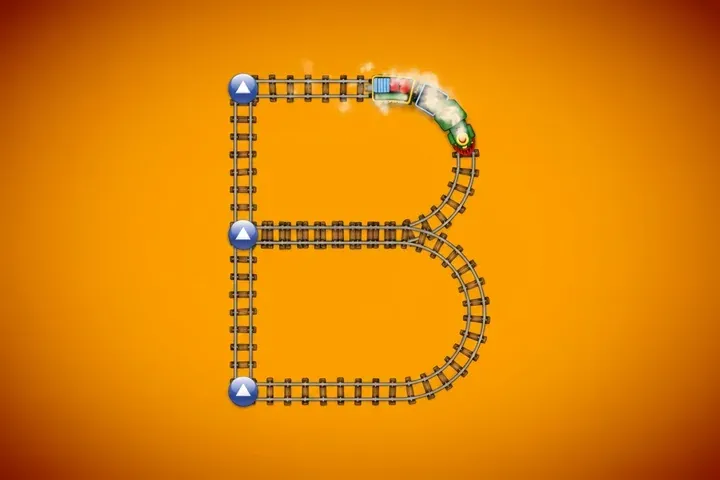
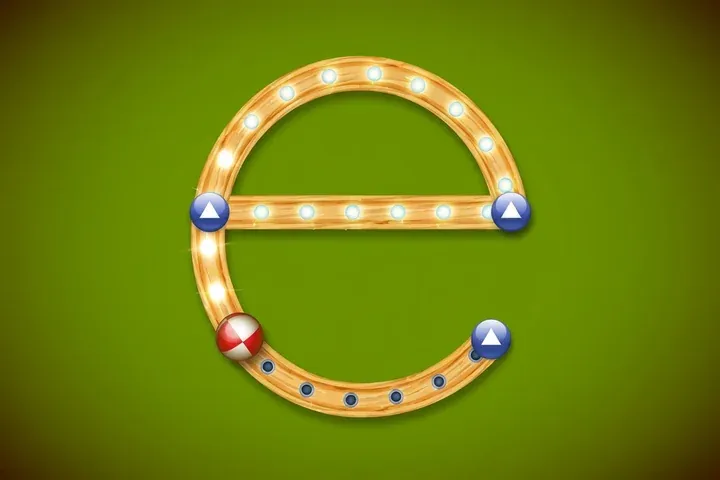
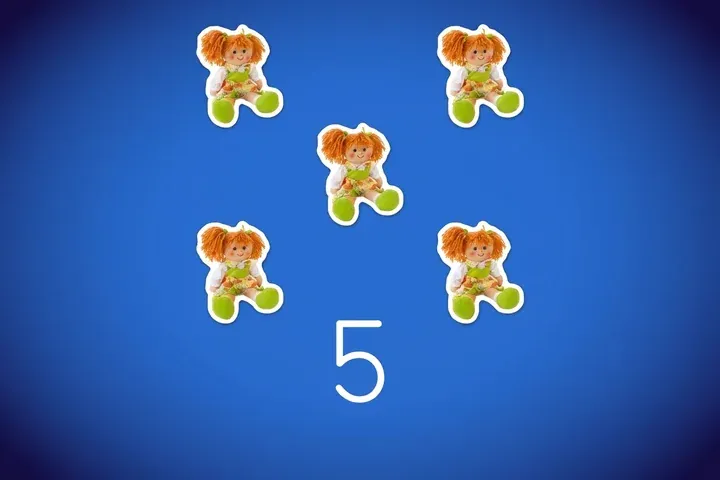
LetterSchool app: Capital R made of candy canesLetterSchool app: Capital G as a train trackLetterSchool app: Lowercase e made of flowersLetterSchool app: Capital S as a road with a carLetterSchool app: Number 5 with light bulbsLetterSchool app: Lowercase o with beadsLetterSchool app: Capital R in bubblesLetterSchool app: Number 3 in neon lightLetterSchool app: Lowercase h in candy caneLetterSchool app: Lowercase e as a chainLetterSchool app: Capital P with beadsLetterSchool app: Capital E with sparklersLetterSchool app: Z for zebra word gameLetterSchool app: Number 3 with three pigsLetterSchool app: B for ball word gameLetterSchool app: Lowercase f in pink flowers

Questions about the app

What age is the letter tracing app for?
LetterSchool is made for children aged 3 to 8: from first shapes and capital letters in preschool to lowercase, words and sentences in first and second grade.
Which handwriting styles does it teach?
You choose the style your child’s school uses: Zaner-Bloser, Handwriting Without Tears or D’Nealian style. The letter shapes and the stroke order follow that style.
How is the app different from a tracing worksheet?
The app checks every line while your child draws it and shows where the letter starts and which way to go. On paper nobody sees the order of the strokes; in the app it is part of the game. Many families use both: the app to learn the movement, a worksheet to practice with a pencil.
Which devices does it work on?
iPhone, iPad, Android phones and tablets, and Chromebooks.
Are there ads in the app?
No. LetterSchool has no ads and no social media, and it follows strict privacy rules for children.
Is the app free?
You can try LetterSchool for free. The full app unlocks with a purchase in the app.
Can schools use it?
Yes. Schools buy licenses through Apple School Manager or with a quote from us. See LetterSchool for Schools.

More questions? See Help, or download LetterSchool.